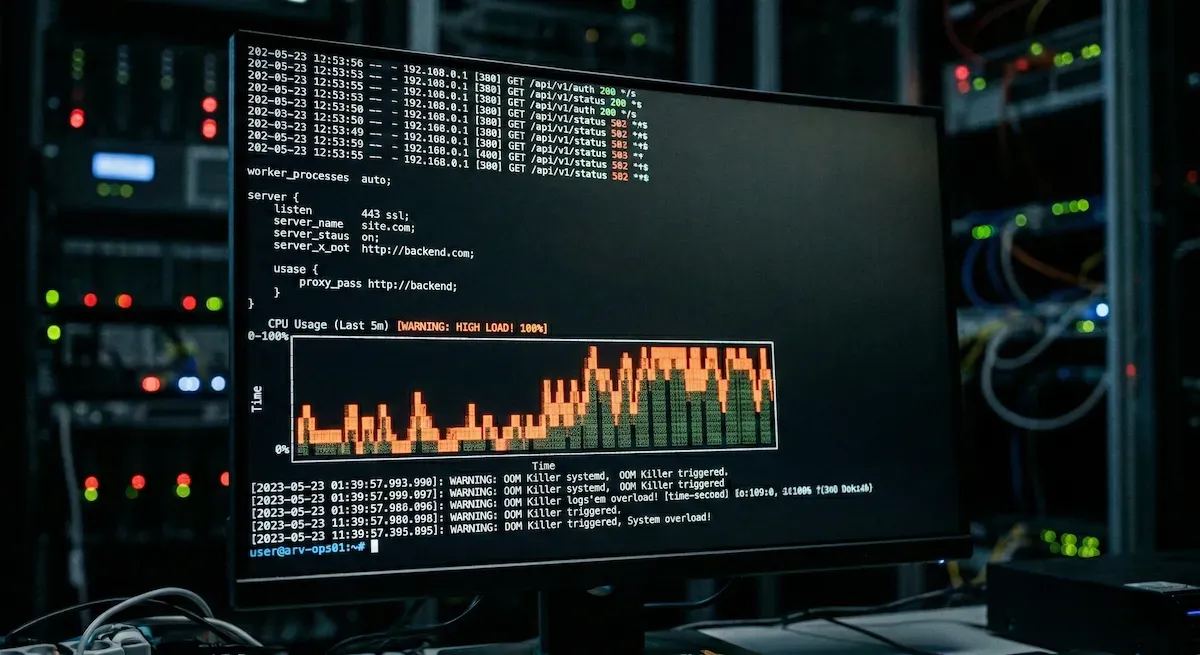
Writing grep and awk commands to parse access logs under pressure is slow. Last Friday, when one of the servers I manage was hit with a massive traffic spike, I decided to test a different approach: I SSH’d in using an AI-integrated terminal to do the heavy lifting. But I quickly learned a hard lesson. An AI terminal is an incredible log parser, but it’s a terrible system administrator. If you don’t know the underlying architecture, it won’t save your server.
It all started in the afternoon when a WordPress site began receiving between 20,000 and 30,000 requests per minute. The server’s CPU pinned itself to 100%, and everything ground to a halt. When you are facing that kind of load, your first instinct is to find out if it’s a malicious DDoS attack or just a surge of legitimate traffic hitting uncached endpoints. Normally, this means digging through access.log manually. To save time, I didn’t ask the AI to “fix the server.” I gave it a specific job: “Parse the last 10,000 lines of the Nginx access.log and give me a summary of the top IP addresses and the most requested URIs.”
In seconds, it gave me the data. It wasn’t an attack; it was a legitimate traffic surge. This is exactly where the “Copilot” hype hits a wall. The AI told me the traffic was real, but it didn’t know why the server was failing.
As the engineer, I knew that in a standard WordPress stack, a CPU bottleneck under high load usually means Nginx is accepting connections perfectly fine, but PHP-FPM is failing to spawn enough workers to handle them.
The queue builds up, the CPU thrashes trying to manage the backlog, and the server chokes.
Knowing this, I guided the AI to the next step: “Review the PHP-FPM pool configuration (www.conf), specifically looking at the pm.max_children and pm.max_requests values. Then, analyze the current nginx.conf worker limits.” Because I told it exactly where to look, it could instantly identify that our pm.max_children limit was way too low for a 30k RPM surge, and our Nginx buffer sizes were causing packets to drop.
I prompted it to generate the syntax to adjust the PHP workers—carefully calculating the limit against the server’s available RAM to avoid triggering an Out Of Memory (OOM) killer—and to tweak the Nginx timeouts to drop slow connections faster. I reviewed the generated config, applied it, and restarted the services. Within minutes, the PHP queue cleared, and the CPU usage dropped back to a stable baseline.
Using an AI terminal in production is fantastic. It saved me at least 20 minutes of writing regular expressions and manually calculating worker limits. But it only worked because I knew exactly what to ask. If I hadn’t known how Nginx hands off requests to PHP-FPM, the AI would have been useless. We have amazing copilots now, but they still require a captain who understands the raw mechanics of the engine.